01
Minimum app stack
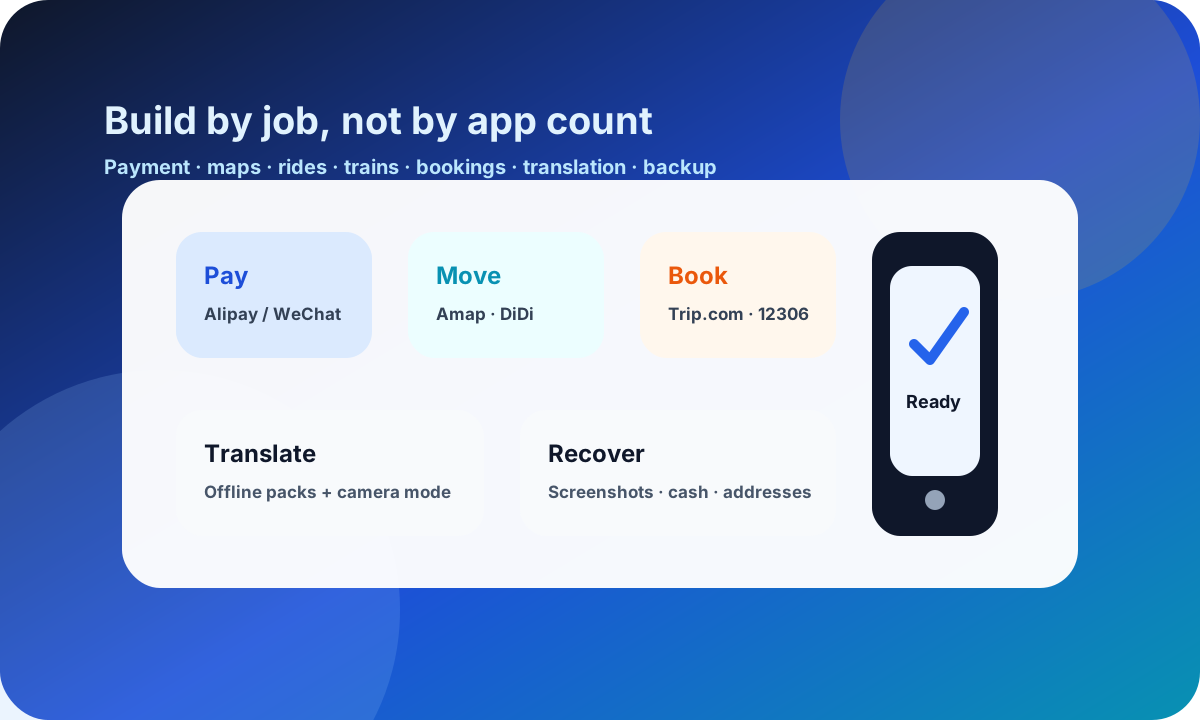
Install by travel job: pay, navigate, ride, book, translate, communicate, and recover. Skip nice-to-have apps until the core stack works.
Phone setup guide
Do not download every popular app. Set up the few apps that cover payment, maps, rides, trains, bookings, translation, connectivity, and recovery.
Page map
01
Install by travel job: pay, navigate, ride, book, translate, communicate, and recover. Skip nice-to-have apps until the core stack works.
02
Download first, verify accounts second, test flows third, then screenshot the details you need when data or login fails.
03
Know which app solves which moment: airport transfer, metro entry, QR ordering, train booking, hotel contact, and attraction entry.
04
Every app-dependent task needs one backup: cash, Chinese address, second card, screenshot, hotel help, or a staffed counter.
Minimum stack
The goal is not a crowded phone. The goal is a stack where every critical travel moment has one primary app and one fallback.
Pay and unlock mini programs
Set up: Link cards, complete identity checks, set payment password, and keep both apps logged in before departure.
Use for: QR payments, transport cards, DiDi mini app, restaurant ordering, attraction mini programs, hotel communication, and merchant contact.
Navigate accurately
Set up: Save hotel, stations, airports, attractions, and nearby landmarks with Chinese names and screenshots.
Use for: Station exits, walking routes, local place names, ride-hailing destination pins, and the last 500 metres.
Move by taxi or ride-hailing
Set up: Link payment, check where the language toggle is, and learn how pickup points work at airports and stations.
Use for: Airport transfers, late arrivals, luggage days, rain, and trips where the metro exit would be confusing.
Book hotels and transport
Set up: Enter passport details consistently, save booking confirmations, and keep cancellation rules visible.
Use for: Hotels, high-speed rail, domestic flights, itinerary changes, and support when a booking needs help in English.
Translate fast
Set up: Download Chinese language packs, test camera translation, and prepare short Chinese notes for common needs.
Use for: Menus, signs, hotel questions, allergy notes, station help, and simple written conversations.
Stay online and recover accounts
Set up: Keep home-number SMS reachable, store recovery codes securely, and download anything blocked by your normal app store before departure.
Use for: Bank verification, wallet checks, ticket changes, support chats, and regaining access after a logout.
Setup before departure
Download the core apps before app-store access, Google services, or account verification becomes harder. Android users should be especially careful here.
Complete wallet checks, add at least one card, set passwords, confirm email and SMS access, and tell your card issuer you are travelling.
Add Chinese hotel names, station names, addresses, attraction entrances, and phone numbers. Screenshots are faster than searching under pressure.
Open payment, map search, translation camera, booking confirmations, and ride-hailing pickup screens. Do not wait until the airport curb.
Screenshot bookings, train times, hotel address, passport-linked reservations, and account recovery notes. Keep cash and a second card separate from the phone.
Before you board, confirm:
Payment layer
Set up both if possible. Some merchants, restaurants, mini programs, and contacts lean toward one ecosystem. Having both gives you options when one card, QR code, or merchant flow fails.
Inside these apps you may find transport cards, DiDi, food ordering, attraction reservations, hotel contact, and merchant QR payments. Learn where Scan, Pay, transport, mini programs, and translation options live before you are in a queue.
Map layer
Amap / Gaode usually handles local names, entrances, station exits, walking routes, and ride-hailing pins better than an English-only workflow. Apple Maps can be a helpful backup, especially if it already works well on your phone.
Save Chinese names for hotels, stations, airports, attractions, and nearby landmarks. A saved address is more useful than a memory of the English hotel name.
Booking layer
Trip.com can be easier for hotels, trains, flights, and English support. 12306 is useful if you want direct rail booking and seat control, but it can be more demanding to set up.
Whichever app you use, keep passport name and number consistent. Save confirmations offline because hotel desks, station gates, and attraction entrances may ask for proof when the app is slow or logged out.
Translation layer
Download language packs and test camera translation before departure. Menu scans and sign translation help, but short prepared Chinese notes are still faster for allergies, medicine, hotel address, and phone-number problems.
Avoid long paragraphs. Staff can respond more easily to a short sentence, a screenshot, or a single question than to a full translated explanation.
Connectivity layer
Choose roaming, eSIM, local SIM, or a combination based on trip length and verification needs. If your bank, wallet, or email sends codes to your home number, keep that number reachable.
Do not depend on public Wi-Fi as the main plan. Some networks require a Chinese phone number, and the moment you need support is usually the moment you least want another login problem.
Travel moments
Data plan, Amap / Gaode, Chinese hotel address, Alipay or WeChat Pay, and DiDi or official taxi queue.
Alipay transport card or local metro app if needed, Amap station exits, power bank, and hotel address screenshot.
Alipay or WeChat scan, camera translation, short dietary note in Chinese, and cash backup for a failed wallet.
12306 or Trip.com confirmation, passport, station name in Chinese, gate time screenshot, and battery above 40%.
Booking confirmation, passport details, WeChat mini program if required, Chinese entrance name, and a backup sight nearby.
Second payment app, second card, cash, offline address, hotel front desk, staffed counter, and booking support chat.
App tiers
Offline kit
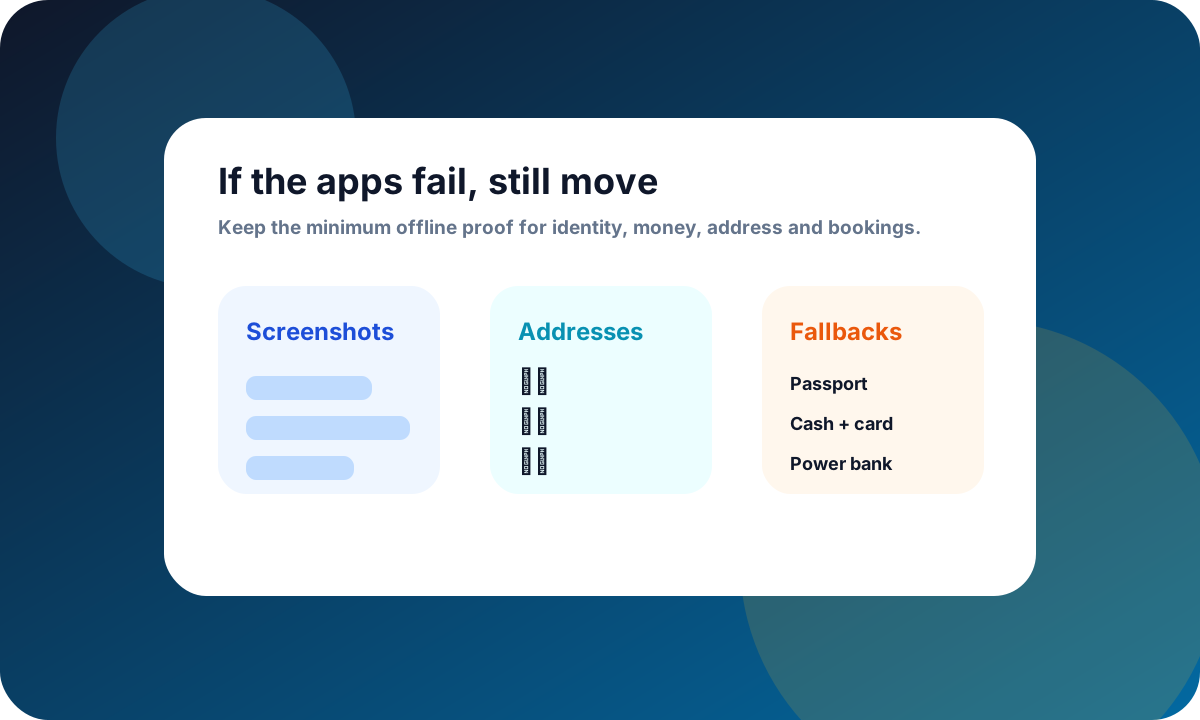
Keep the proof and fallbacks that let a human help you: identity, address, booking, payment, and account recovery.
Chinese hotel name, full address, phone number, booking confirmation, and check-in name.
Train or flight confirmation, station or airport in Chinese, gate time, and passport used for booking.
Cash, second card, bank support number, and a note of which wallet has which card linked.
Password manager access, email access, home-number SMS plan, and recovery codes stored securely.
Hotel front desk, official taxi queue, staffed ticket counter, and booking support chat.
Keep planning
Pick one connected topic and finish the practical setup before adding more places to the itinerary.
Browse all guides ->Important disclaimer
This guide is for general trip-planning information, not legal, medical, financial, or immigration advice. Rules, availability, and provider policies can change—verify time-sensitive details with the relevant official source before you travel or book.
Content confidence
Essential Apps for China has been reviewed for practical visitor use, internal links, route relevance, and clear action steps.
Rules for entry, payment products, bookings, transport, and attractions can change. Verify official or provider sources before relying on time-sensitive details.
Check official sources before booking time-sensitive items.
Plan with cities
Use these city guides to turn the topic into a route, hotel choice, transfer day, or first-stop decision.

Modern, vibrant, and full of surprises.
Open city guide ->
History, culture, and iconic landmarks.
Open city guide ->
Technology, innovation, and modern vibes.
Open city guide ->
Relaxed, lovely, and famous for pandas.
Open city guide ->